
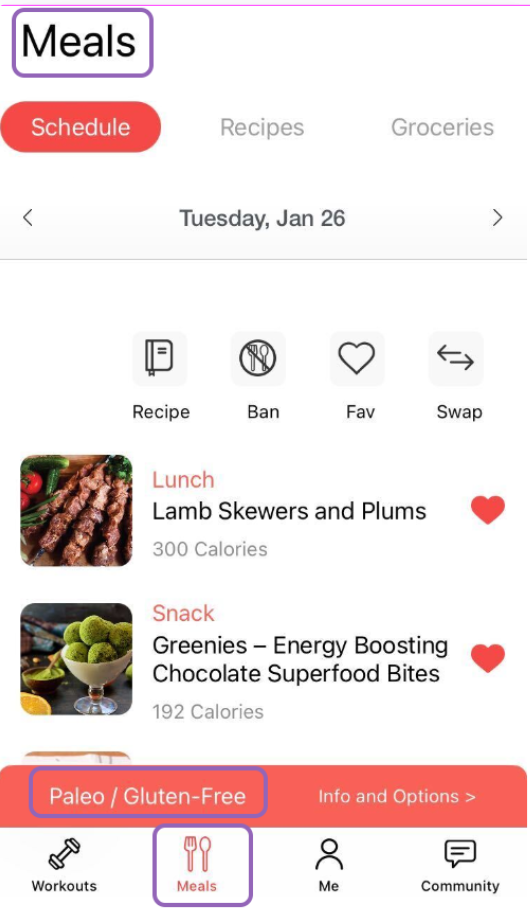
You can change the meal plan at any time. Keep in mind that at that moment, it will also change your grocery list. Follow the steps below.
- Tap on the profile gear located in the upper-right side of the screen.
- Tap on Meal Plan Settings.
- Scroll down until you see the "Selected Meal Plan" section.
- Tap on the Meal Plan you'd like. To confirm the selection, you will see a pink checkmark next to the meal plan of your choice. The app will ask you to tap "Ok" to confirm your selection.
- Tap the Save button located on the top right side of the screen. You're set!